Home Inspection Reports, Filed as You Walk the House
Walk the house, shoot, say what you see; Expert Check files it in the right section and suggests the severity. Works offline.
Real Expert Check screens: one finding, shot, described and filed.
Walk the house. Shoot. Say what you see.
Expert Check files each finding in the right section and suggests the severity. Works offline. These are real screens.
-
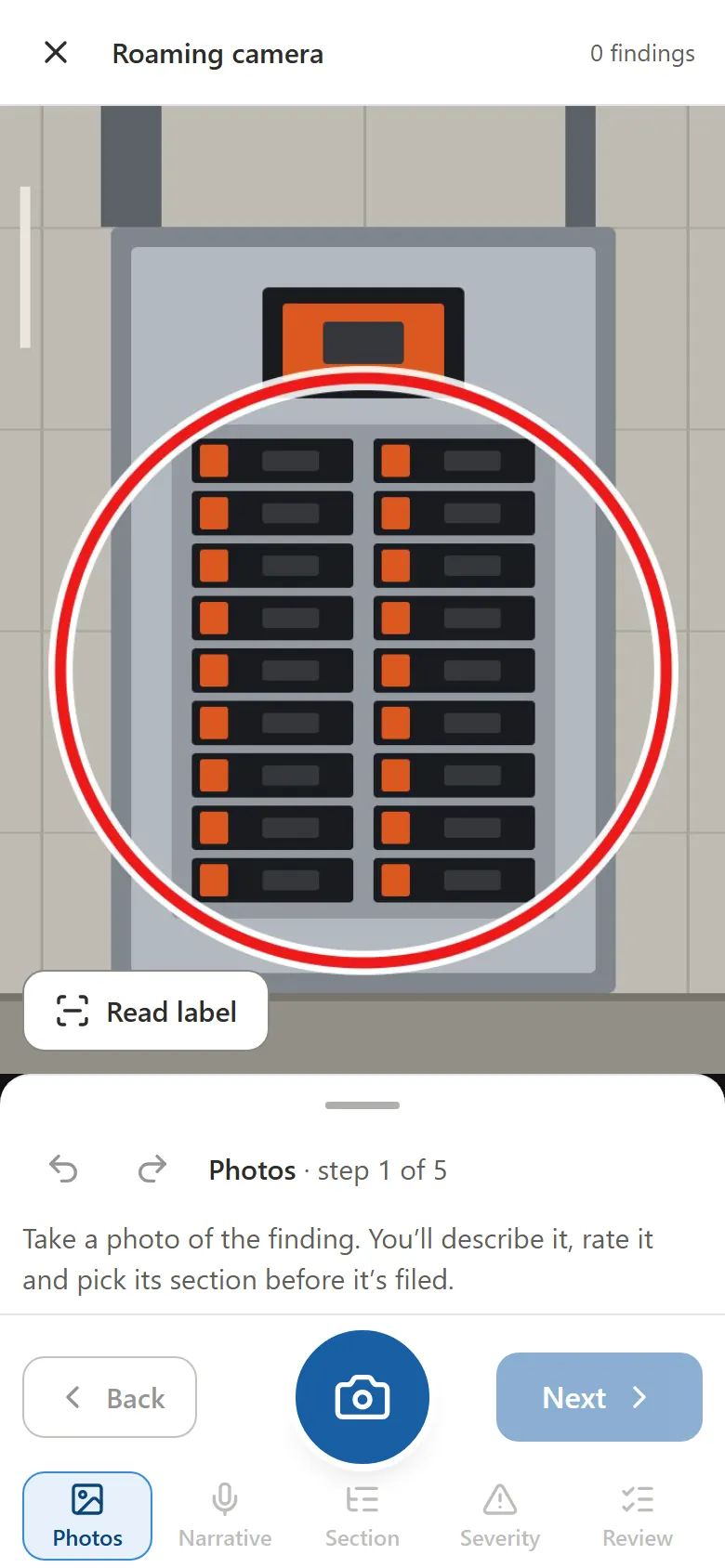
1ShootPoint and shoot. The camera stays open while you walk the house. -
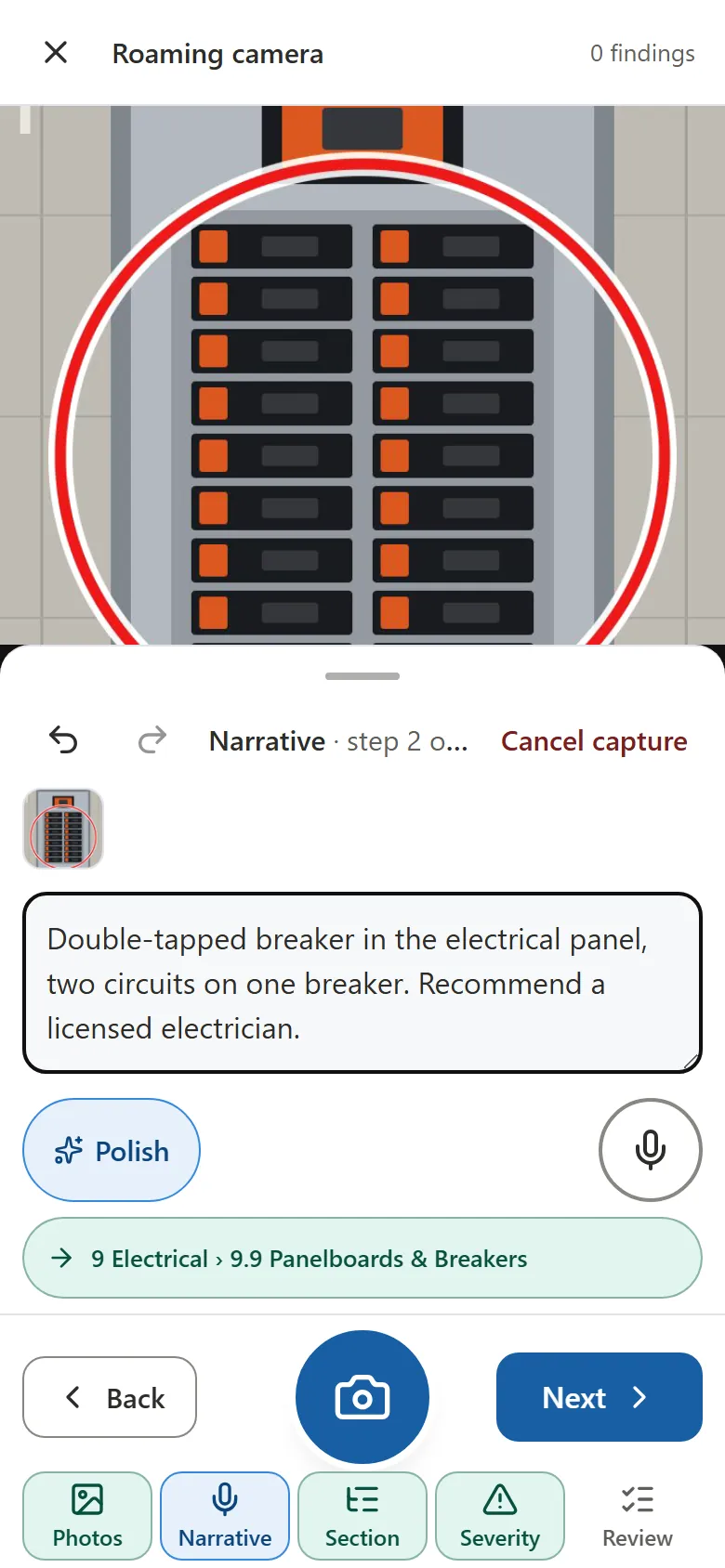
2Say what you seeDictate or type. The matching section is picked up from your words. -
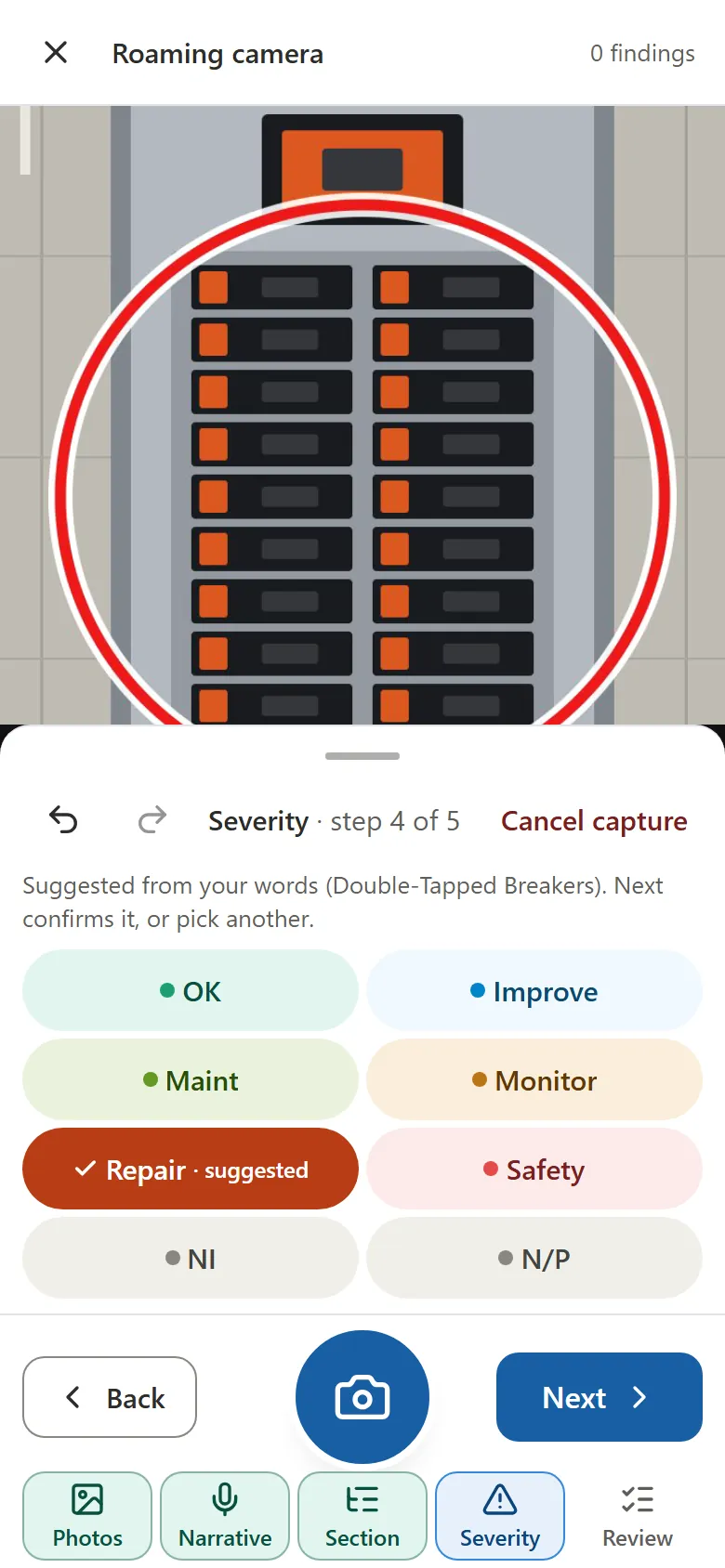
3Severity, suggestedA severity is suggested from your words. You confirm or change it. -
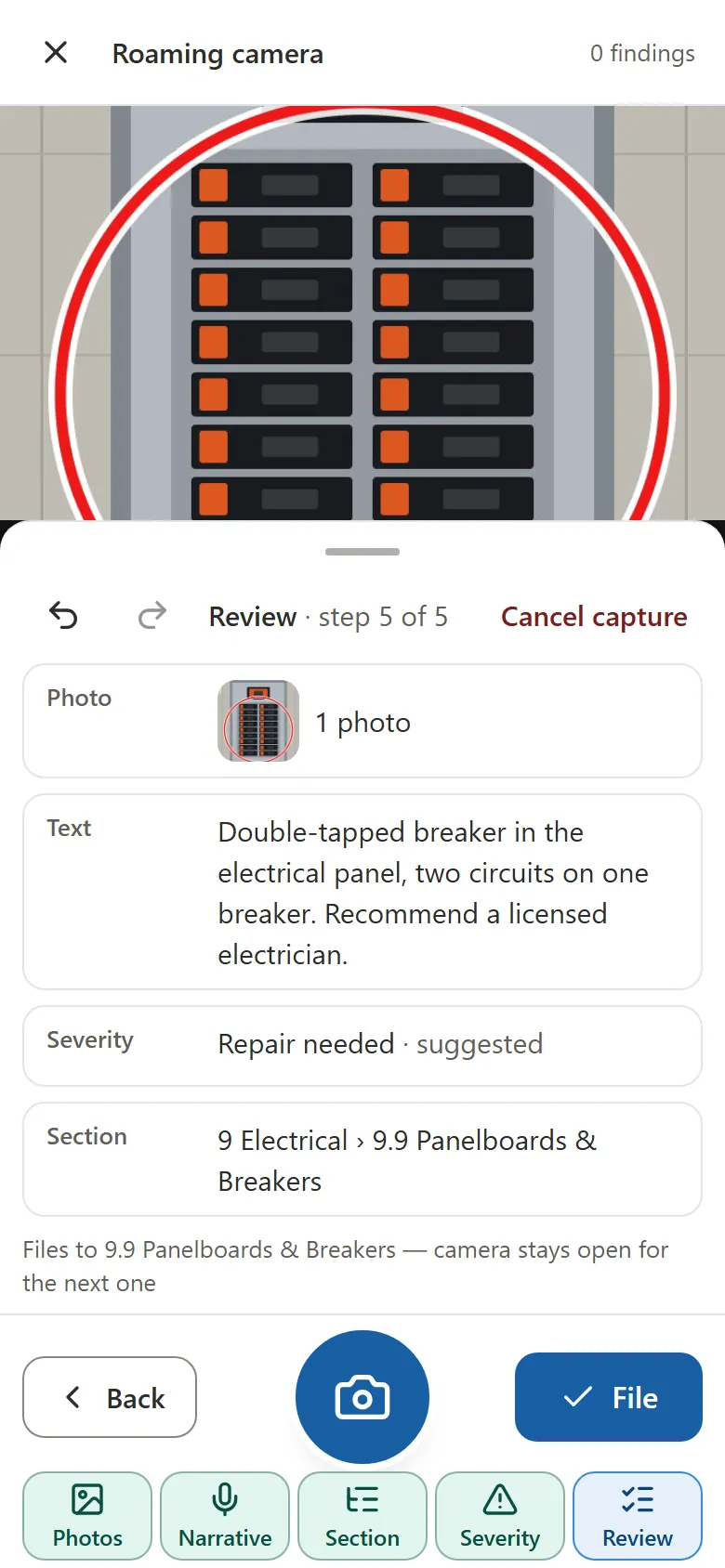
4Review, then FileOne look at photo, words, section and severity, then File. -
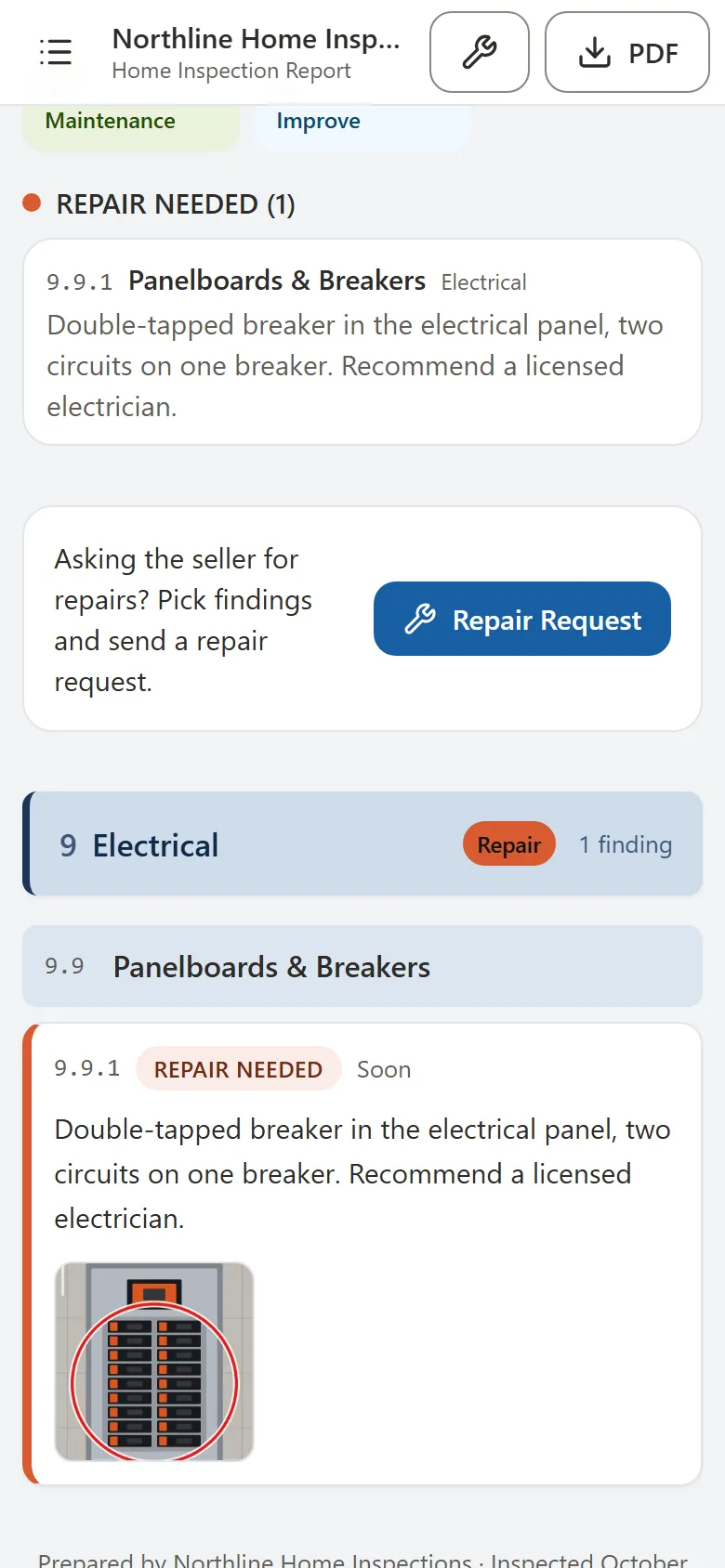
5The finished reportEach finding lands in the right section, ready for the client.
What's new in Expert Check
Rebuilt from the ground up for the field. What's in the beta today:
- Roaming camera capture: photo, words, section, severity, filed.
- Works fully offline in basements and crawlspaces; syncs when you're back online.
- Voice dictation, plus AI Polish that only rewords what you said.
- Severity suggested from your words and trade rules; you always decide.
- A final check before publishing: unsorted photos, an unsigned agreement, missing items.
- Build your template as you go: add sections on the fly, then save it as your template.
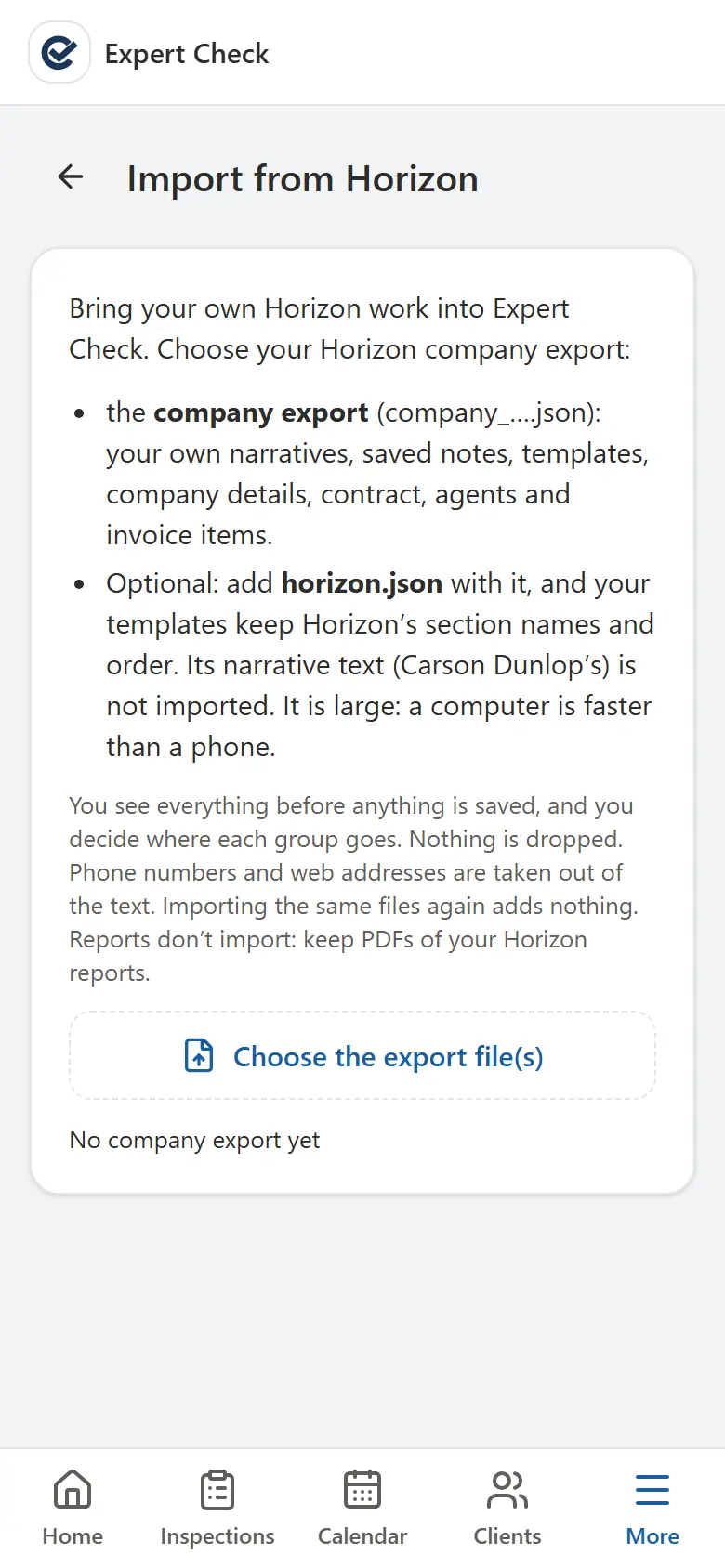
- Horizon import: your templates, narratives, agents and contract. How it works
- 1,300+ narratives, InterNACHI-aligned with Ontario context.
- Client web report, PDF and Repair Request; no ads, ever.
- Agreements with remote signing, invoices with Canadian taxes, calendar and French reports.
Beta perks. Sign up by December 31, 2026, finish 1 real report and send 1 piece of feedback: 3 months of Pro+AI free.
Start freeSign-up is open now. Read the beta announcement or the beta FAQ.
Be one of the first beta inspectors
Expert Check is in public beta and free through December 31, 2026. Finish 1 real report and send 1 piece of feedback: 3 months of Pro+AI free after the beta.
Home Inspection Software Pricing
No hidden fees. No contracts. Cancel anytime.
Per finalized report, never more than CA$29.99 a month
- The roaming camera: walk, shoot, say what you see
- Works offline: Android app (beta, by invite), iPhone and computer in the browser
- Voice + AI Polish (250 AI requests/month)
- Suggested severity and a final check before you finalize
- Read label: make, model, year and age from the data plate
- 1,300+ built-in narratives
- Photo annotation
- Client web report, PDF and Repair Request
- Agreements with remote signing
- Booking page, calendar and invoices with Canadian taxes
- Clients and agents
- Horizon import and French reports
- Your logo on reports
- Email support
One flat price: unlimited reports and unlimited AI
- Everything in Pay as you go
- Unlimited inspection reports, one flat price
- Unlimited AI requests
- Priority email support
Student Program
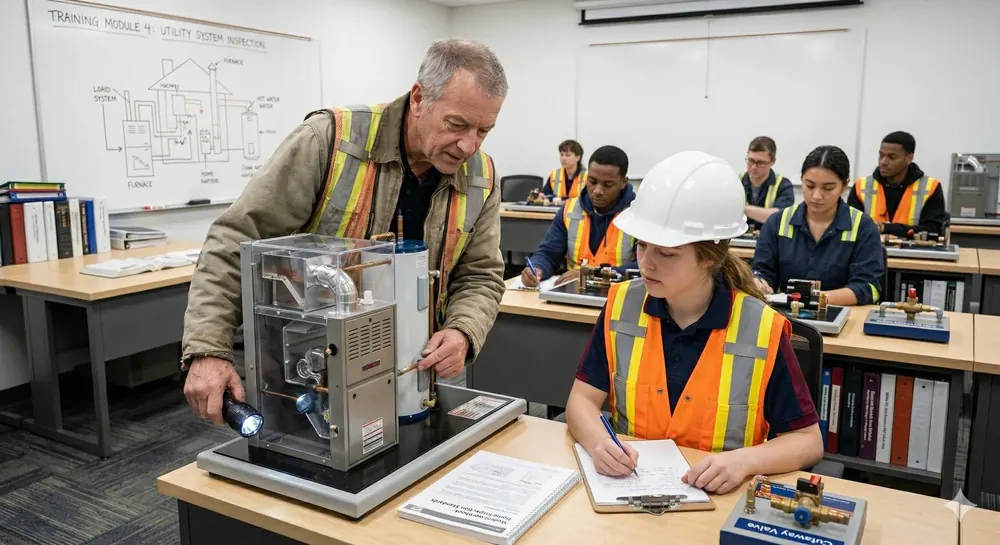
Home Inspection Student? Train with Expert Check — Free.
We know the cost of getting started adds up fast — training fees, licensing, insurance, tools, and then software on top of all that. If you're enrolled in a home inspection training program in Canada, we'll give you free access to Expert Check for the duration of your studies. Graduate with real reports in your portfolio, not just theory.
What's Included
- Full platform access for the duration of your program
- 10 inspection reports to build your portfolio
- AI writing assistant included
- All features
- No credit card required
Apply
Upload your student ID or enrollment letter and we'll set up your access.
Apply for Student Access →See Expert Check In Action
Real screens: from the roaming camera to the client’s report
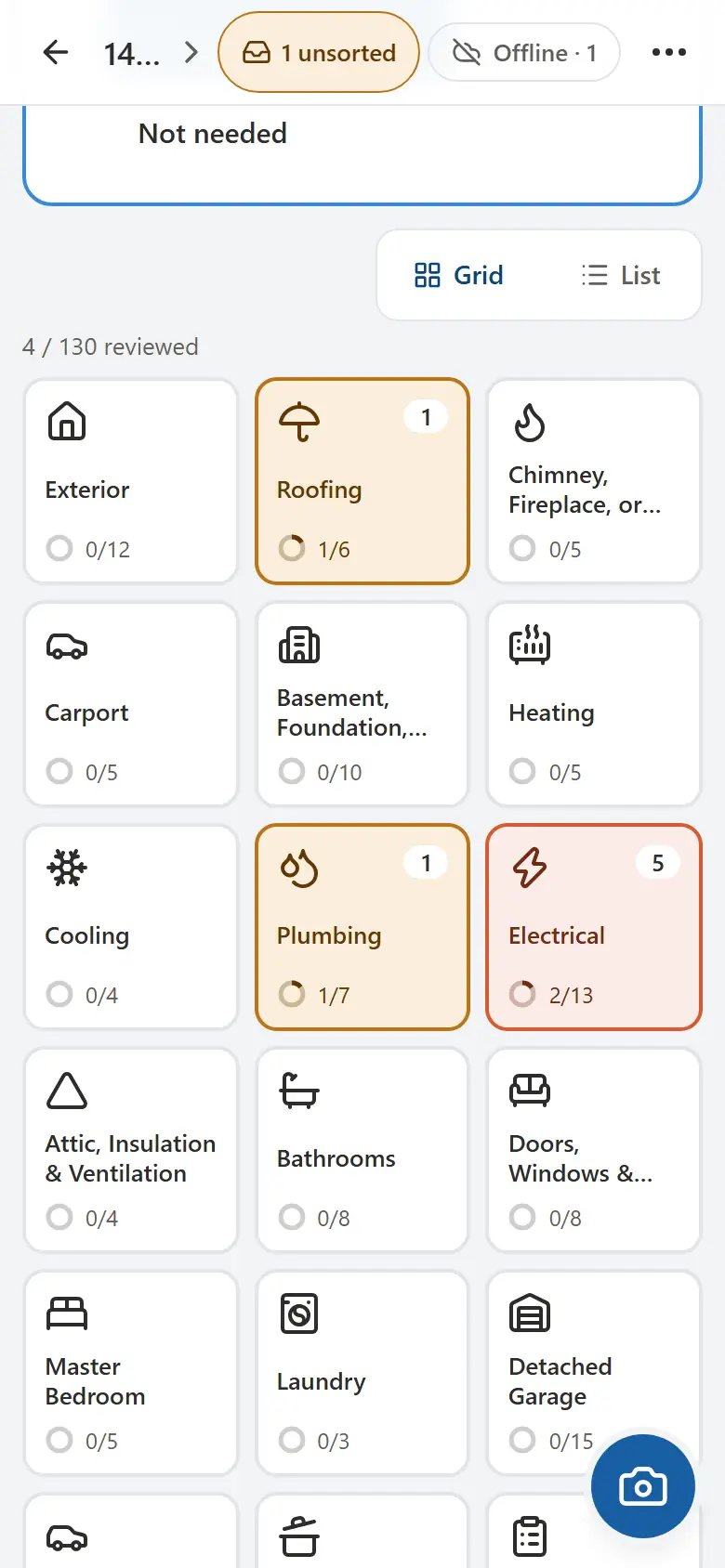
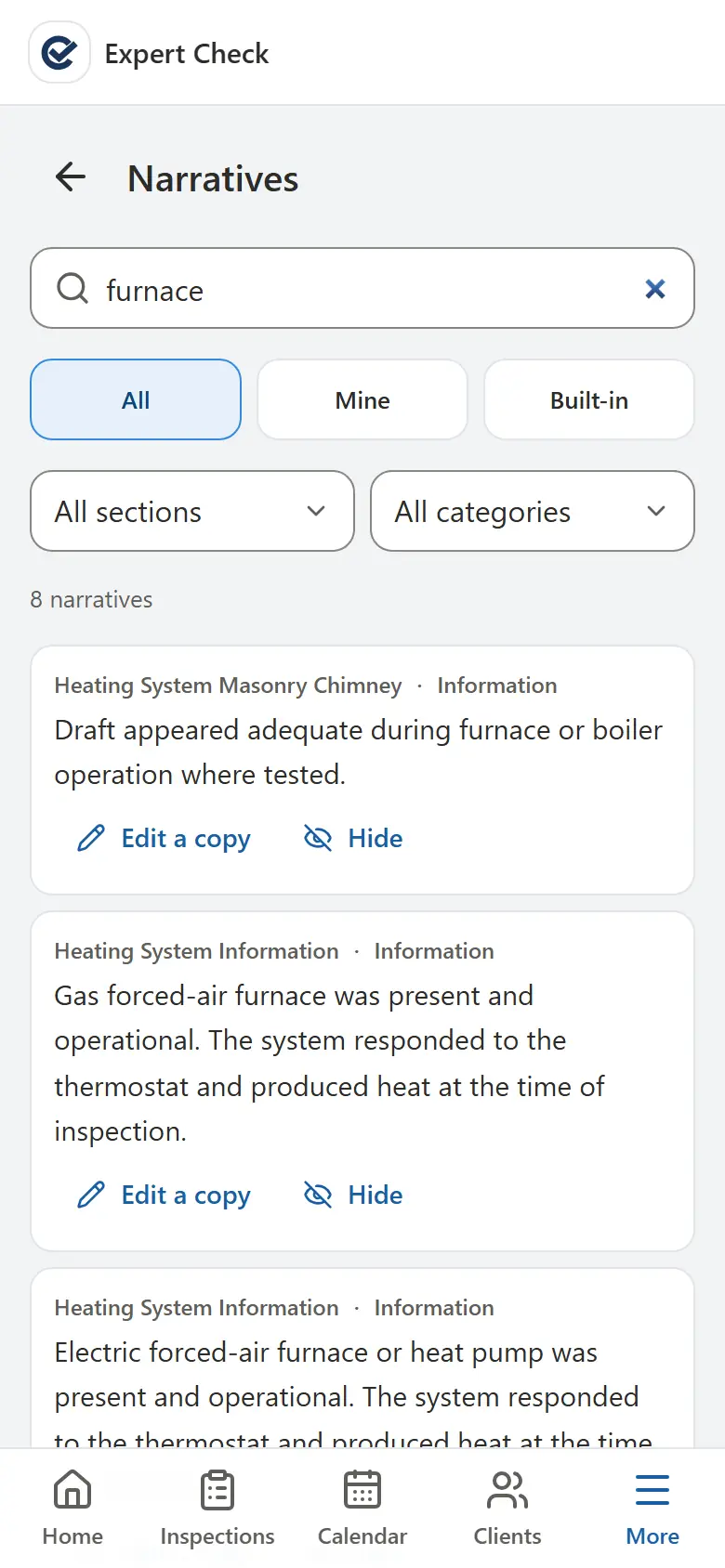
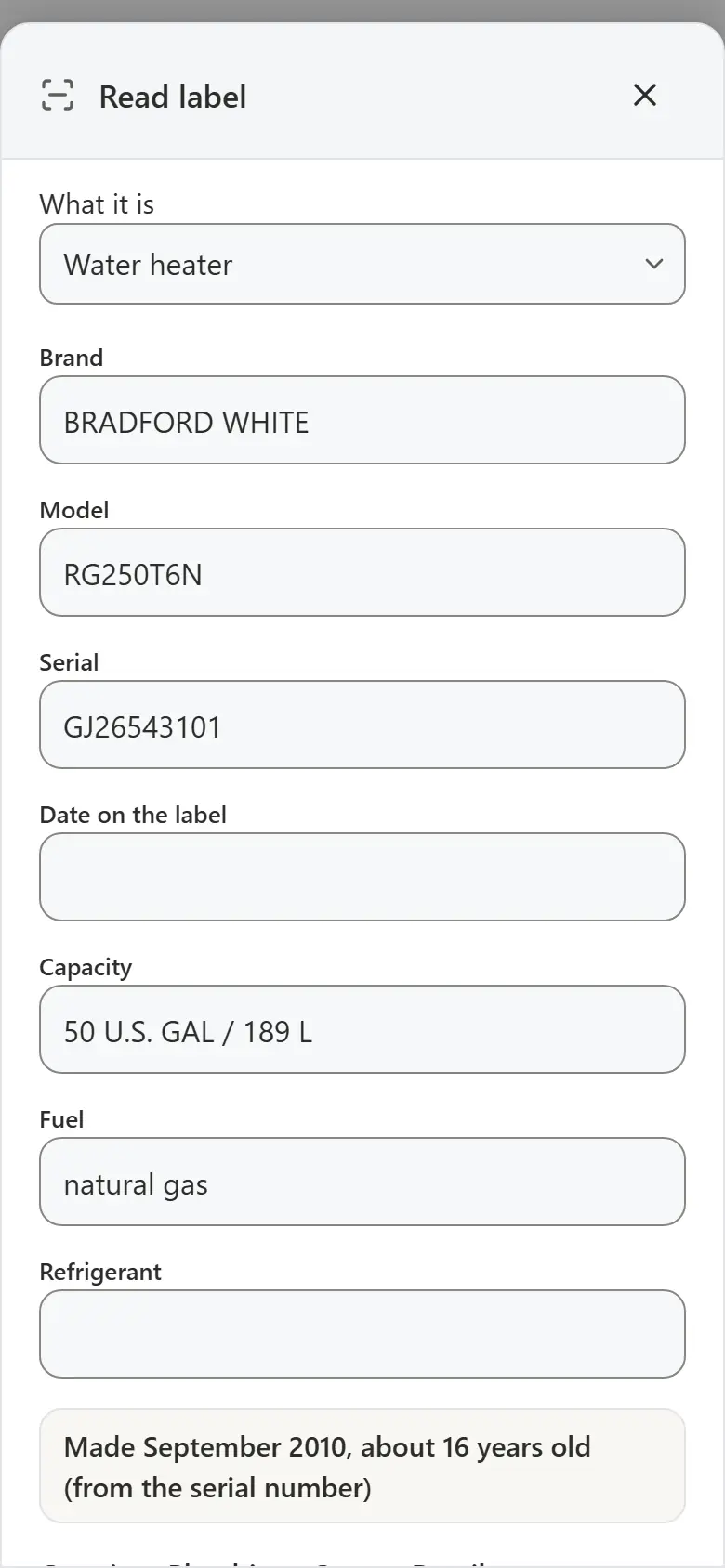
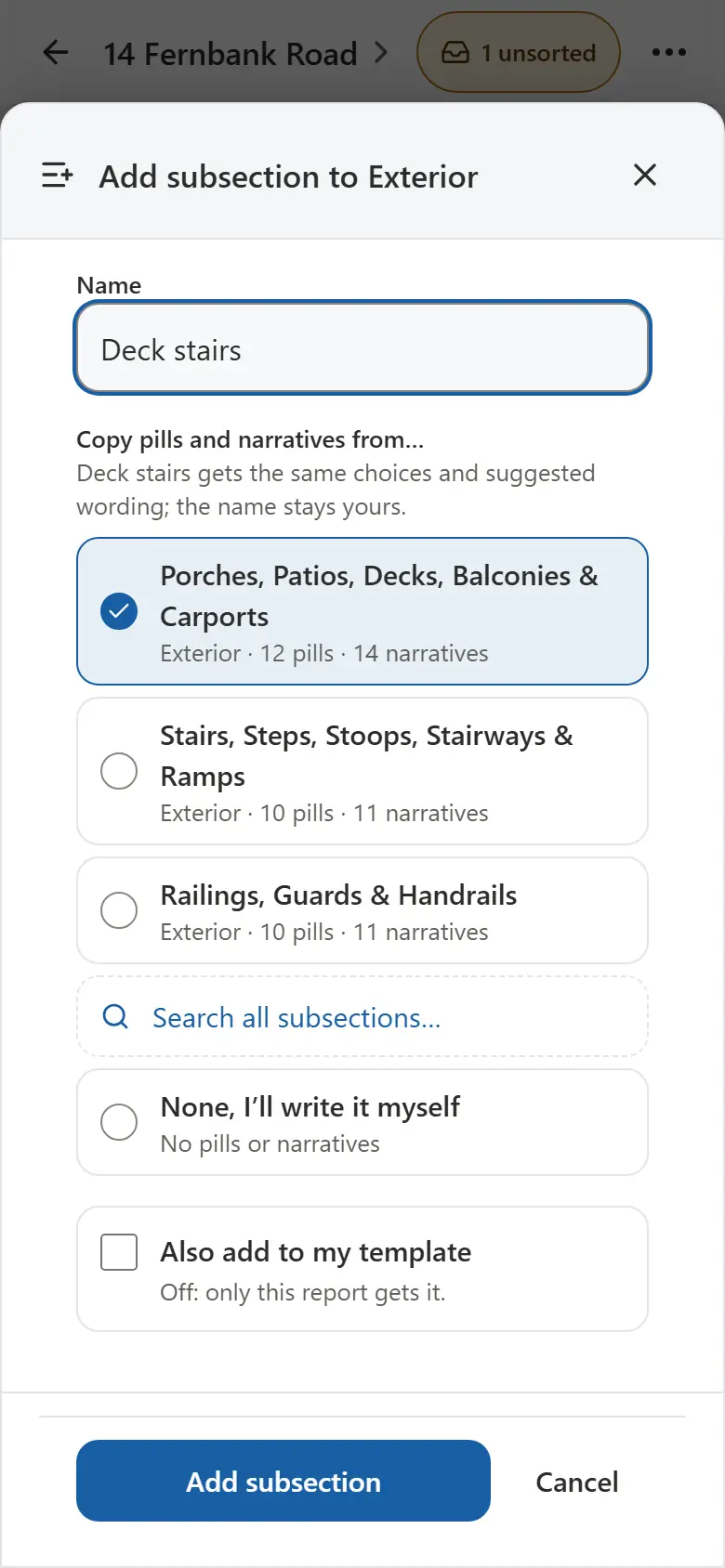
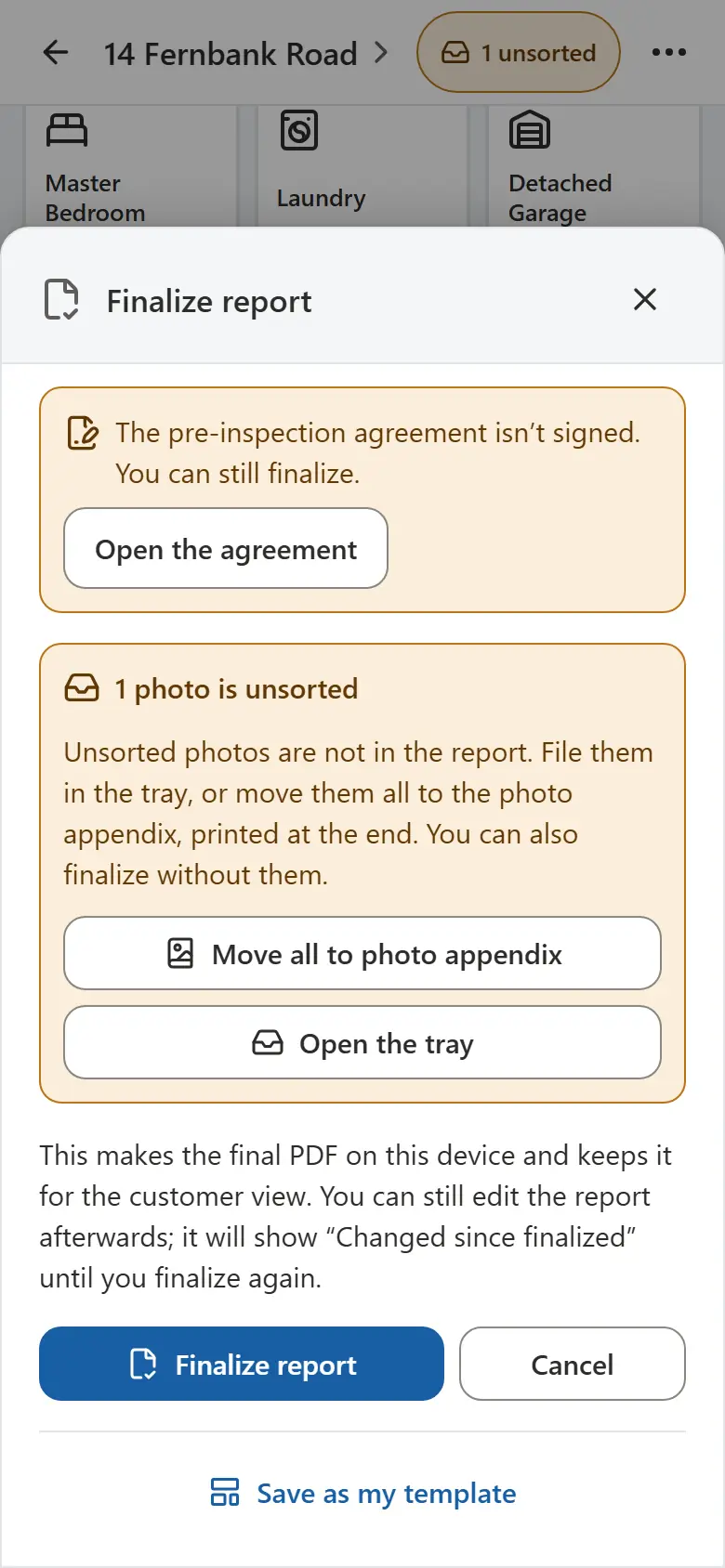

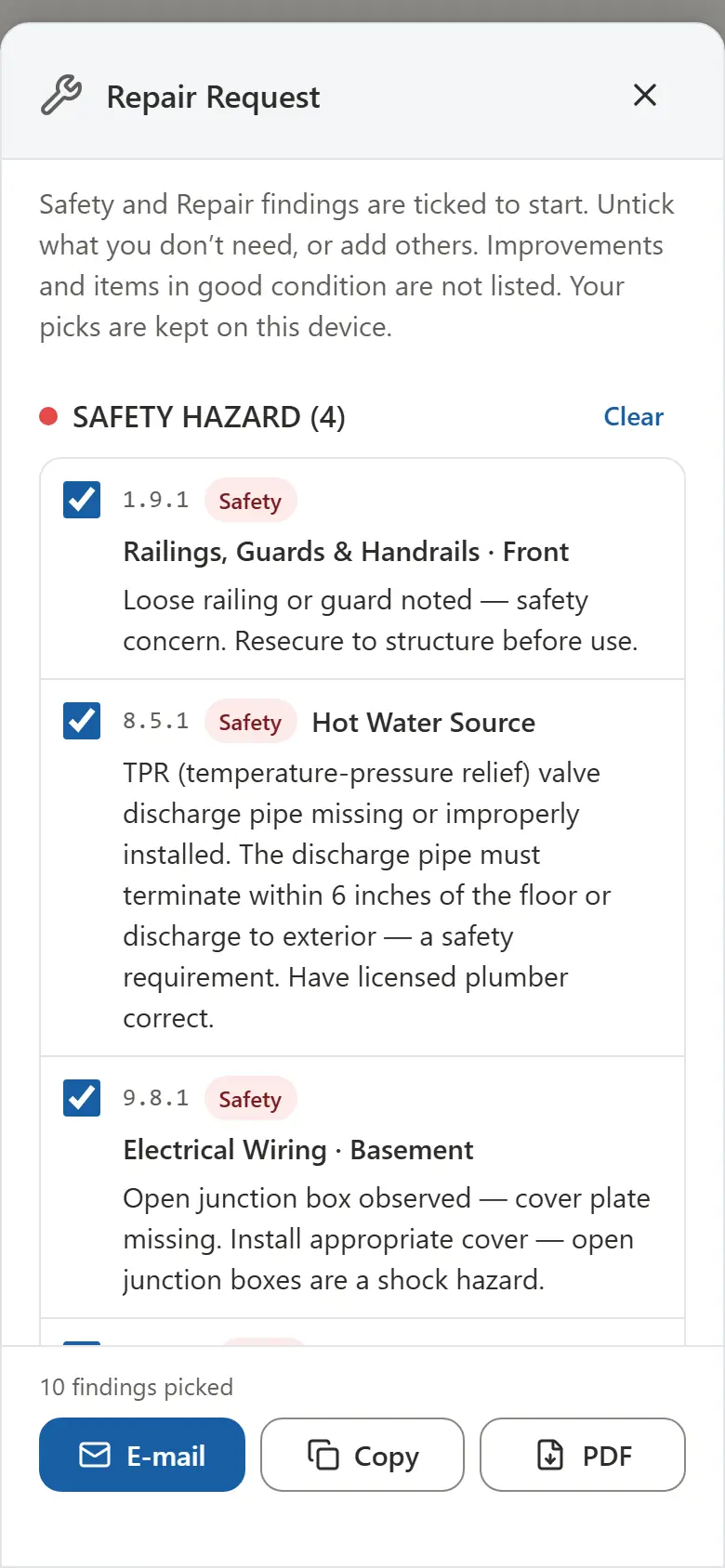
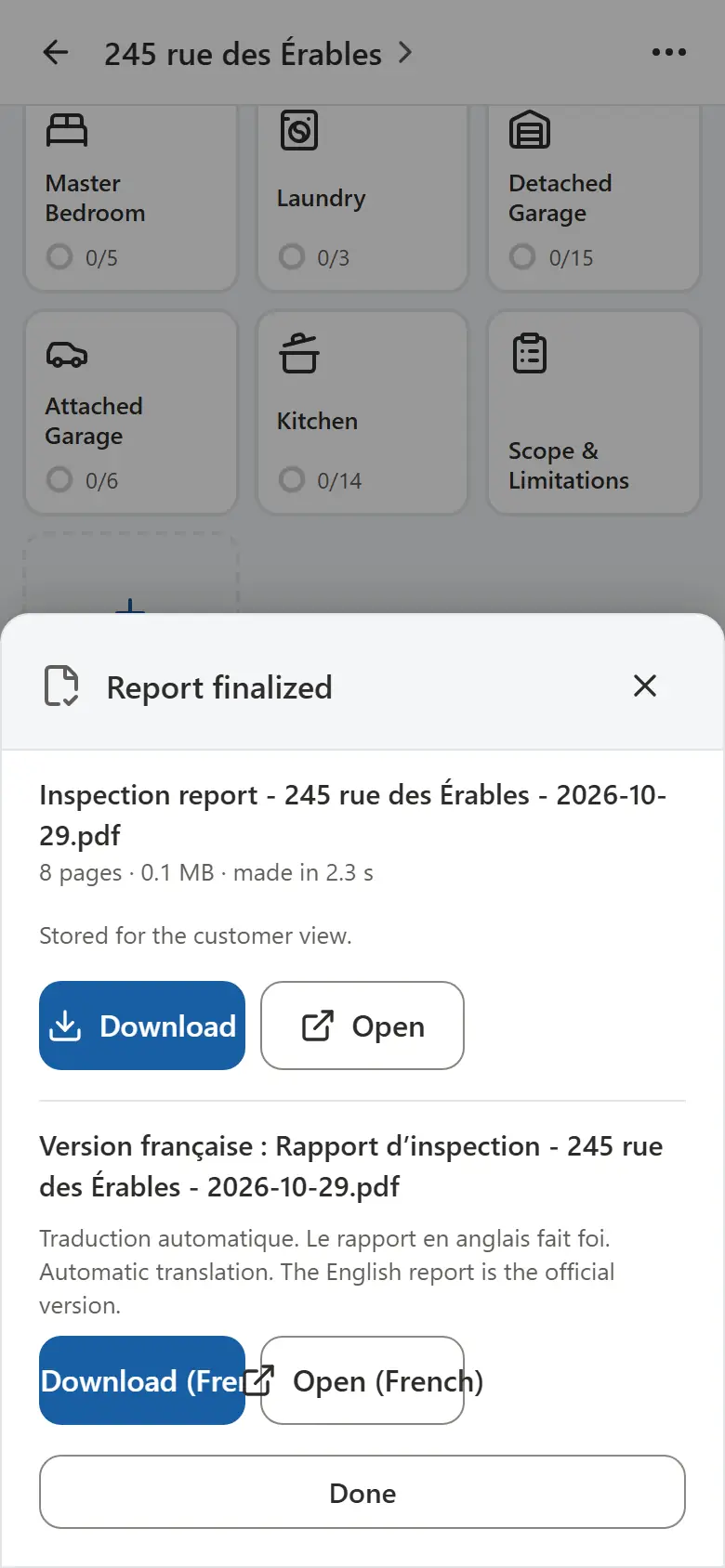

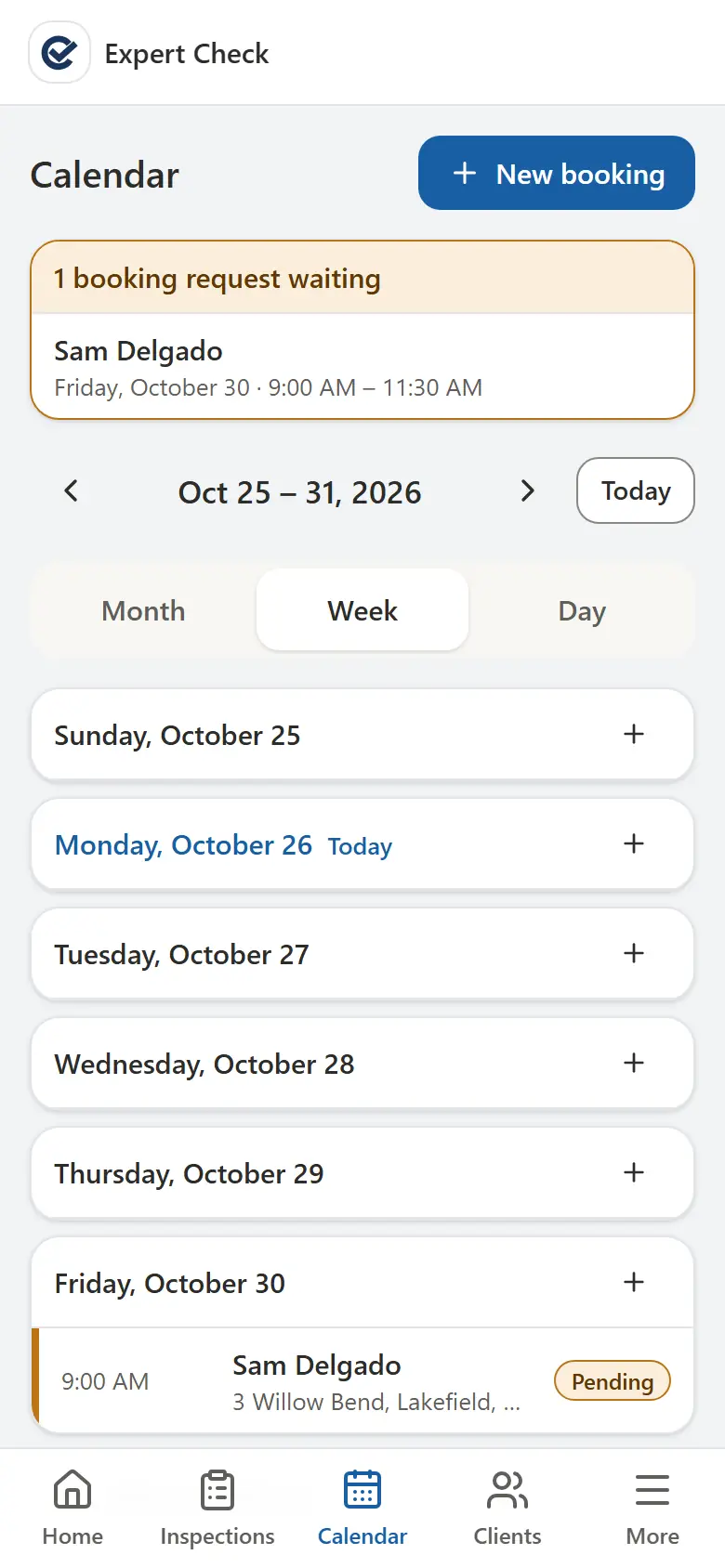
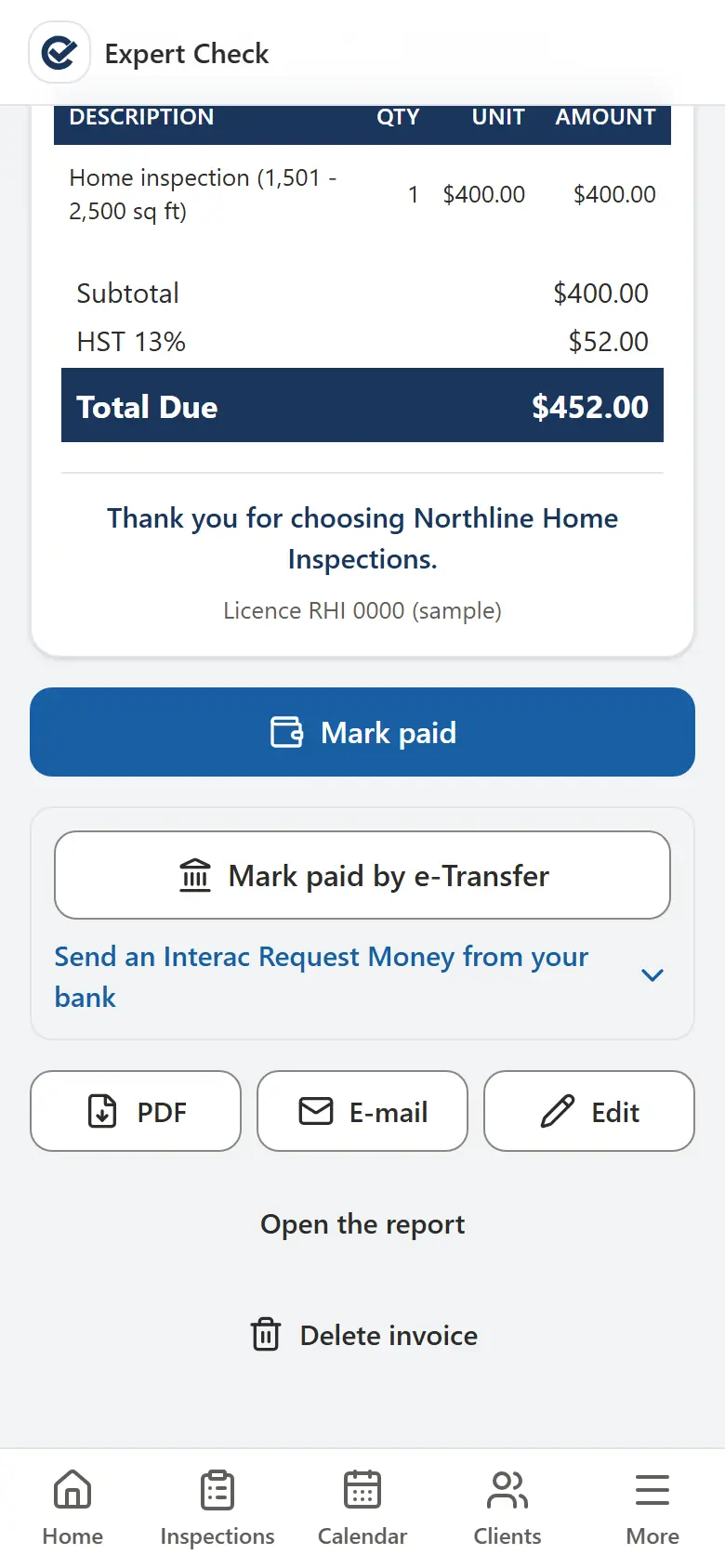
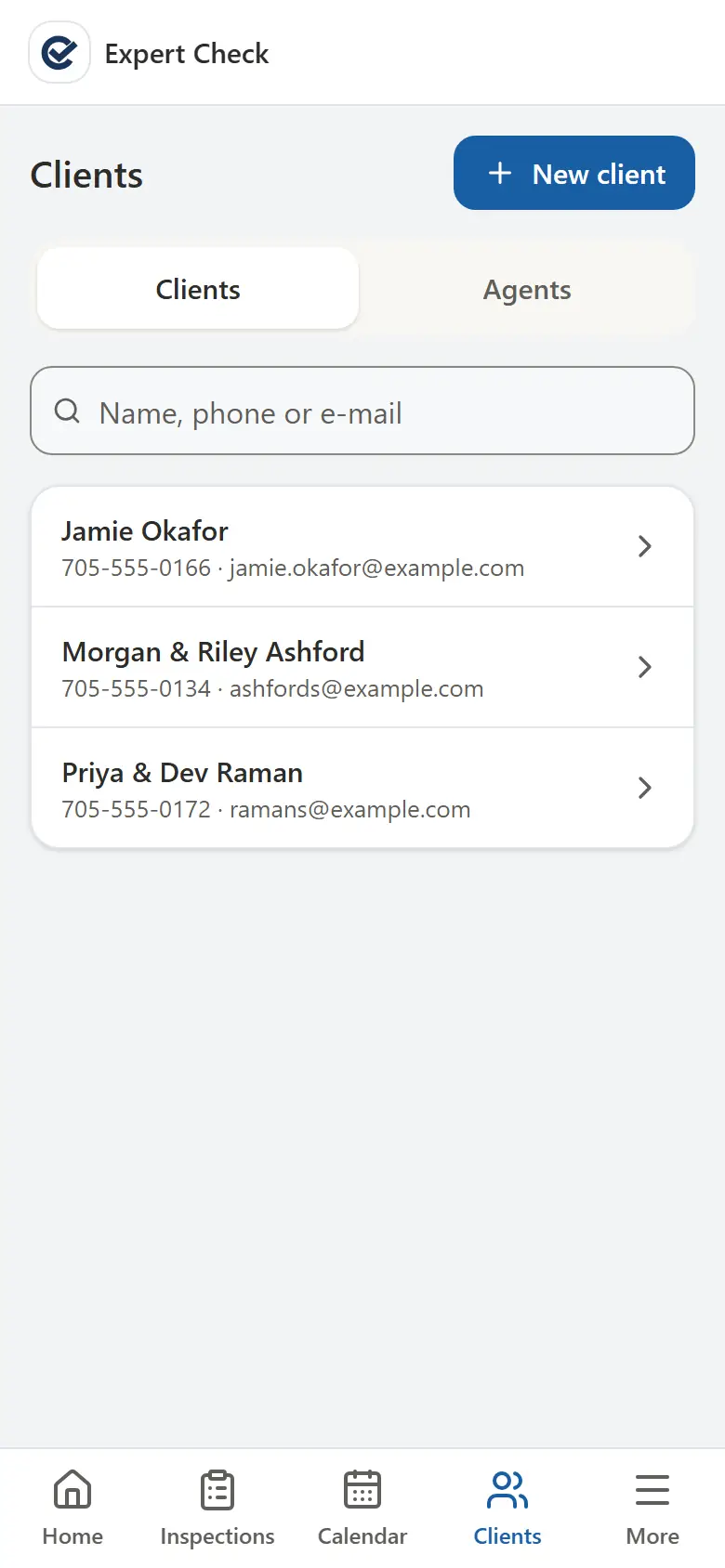

Real Expert Check screens, fictional data. Tap a screen to zoom.
Home Inspection Report Features
What’s in Expert Check
Mobile-First Design
Write the whole report on site, on your phone. Works offline and syncs when you're back online.
AI Polish
Say what you see and AI Polish rewords it into clean report language; it never adds a fact you didn't give. On supported Android phones it runs on the phone's own AI. AI requests per month: 100 in the beta, 250 on Pay as you go, unlimited on Pro+AI.
Professional Reports
A PDF and a client web report with color-coded severity levels, annotated photos and a Repair Request builder.
Photo Annotation
Draw arrows, circles, and add text directly on photos. Highlight defects clearly so clients understand exactly what they're looking at.
1,300+ Narratives
A built-in narrative library for every section of the report. Save your own narratives next to them.
Easy Client Sharing
Share the report with a private link. Clients get a clean, read-only view. Generate repair requests for real estate transactions.
How Expert Check Compares
| Software | Price | Billing | Walk-and-shoot capture | Offline | AI | Android app |
|---|---|---|---|---|---|---|
| Expert Check | Free beta through December 31, 2026; then Pay as you go at CA$4.99 per finalized report, never more than CA$29.99/month (250 AI requests/month), or Pro+AI at CA$49.99/month (unlimited AI), plus HST | Monthly, in Canadian dollars | Yes: the roaming camera, included | Yes, included | AI Polish, Read label; on-device AI on supported Android phones | Beta, by invite |
| Spectora | $109/month or $1,090/year; extra inspectors $99/month | Monthly or yearly | Partial: “Match”, voice and photos (early access) | Yes | AI Comment Assist for all users; more AI on the Advanced add-on ($4/inspection) | Yes |
| Hive Inspect | $99/month or $999/year; extra inspectors $69/month or $599/year | Monthly or yearly | — | Yes | All AI tools on every plan (“No AI tier”) | Yes |
| InspectionX | $119/month per team, 20 reports included, then $5.95/report | Monthly, per team | Yes: say what you see; AI places photos and comments | Yes | Voice-to-report, data-plate reading | — |
Competitor prices approximate, checked October 2026, as listed on each company’s own website (their sites don’t state a currency). “—” means their site doesn’t say.
Moving from Horizon? Welcome. Import your templates and narratives in minutes.
Works on Any Device, Anywhere in Canada
Basement with no signal. Rural property. Crawl space. Expert Check keeps working offline and syncs when you’re back online.
Use it in the browser on any phone, tablet or computer. On iPhone, add it to your home screen from Safari.
Expert Check beta: quick answers
When does the beta end, and what does it cost?
The beta is free through December 31, 2026. After that, Pay as you go is CA$4.99 per finalized report, never more than CA$29.99/month, and Pro+AI is CA$49.99/month (plus HST).
Who gets Pro+AI free, and for how long?
Anyone who signs up by December 31, 2026, finishes 1 real report and sends 1 piece of feedback or a bug report gets 3 months of Pro+AI free.
Does it work offline, in basements?
Yes. After your first sign-in, you can build reports and take photos with no signal. AI, e-mail and share links wait until you're back online.
Can I import from Horizon?
Yes: your own narratives, templates, agents and contract. Clients and old reports don't import, so keep the PDFs of your old reports. How Horizon import works
Does AI write my reports?
No. AI Polish rewords what you wrote, and you approve every change.
Try Expert Check on your next inspection
Free during the beta, through December 31, 2026. No credit card required.
Start free: free through December 31, 2026